Renfe Tracker
Renfe Tracker is a self-hosted web application that monitors Spanish Renfe train prices (Media/Larga Distancia) and alerts you when they change. It runs entirely inside a single Docker container — no cloud accounts, no subscriptions, no third-party services required.
What it does
- Search trains between any Renfe stations and see live prices alongside historical price ranges.
- Spot trains before they go on sale — the app predicts which trains will likely be published based on past weekday schedules.
- Track trips — set the app to check a specific train on a configurable schedule and record every price change.
- Get notified — receive alerts via email, Home Assistant, or browser notifications whenever a tracked price changes.
How it works
The backend is a Python/FastAPI application backed by a SQLite database. It uses a vendored Renfe client (GTFS schedules + live price scraping) so there is no dependency on external APIs or a browser running on your machine.
The frontend is a React 19 + TypeScript single-page app served by the same process. Everything persists on a single mounted volume (/data), making backups trivial.
┌─────────────────────────────────────┐
│          Docker Container           │
│                                     │
│  FastAPI  ──────►  SQLite (/data)   │
│    │                                │
│  APScheduler (price checks)         │
│    │                                │
│  Renfe Client (GTFS + DWR)          │
│                                     │
│  React SPA (served as static files) │
└─────────────────────────────────────┘
Quick start
You need Docker installed on your machine.
# 1. Get the compose file
curl -o docker-compose.yml https://raw.githubusercontent.com/JavierMonton/renfe-tracker/main/docker-compose.example.yml

# 2. Start the app (image is pulled automatically from Docker Hub)
docker compose up -d

# 3. Open http://localhost:8000
See the Installation page for full details, including Docker run and local development options.
Features
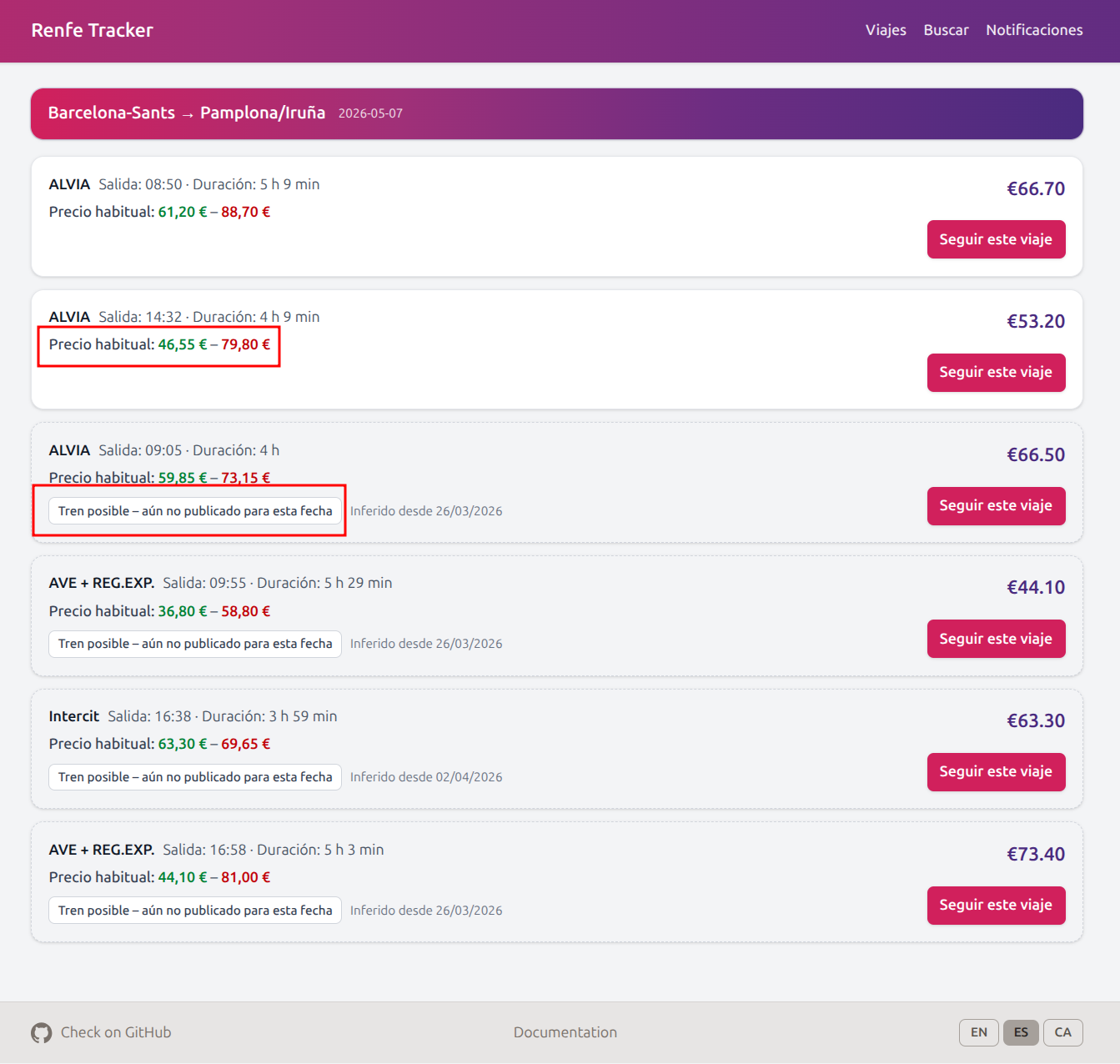
Price Ranges & Possible Trains
When searching for trains, the app shows estimated price ranges based on historical data and highlights trains that may not be published yet for your date.
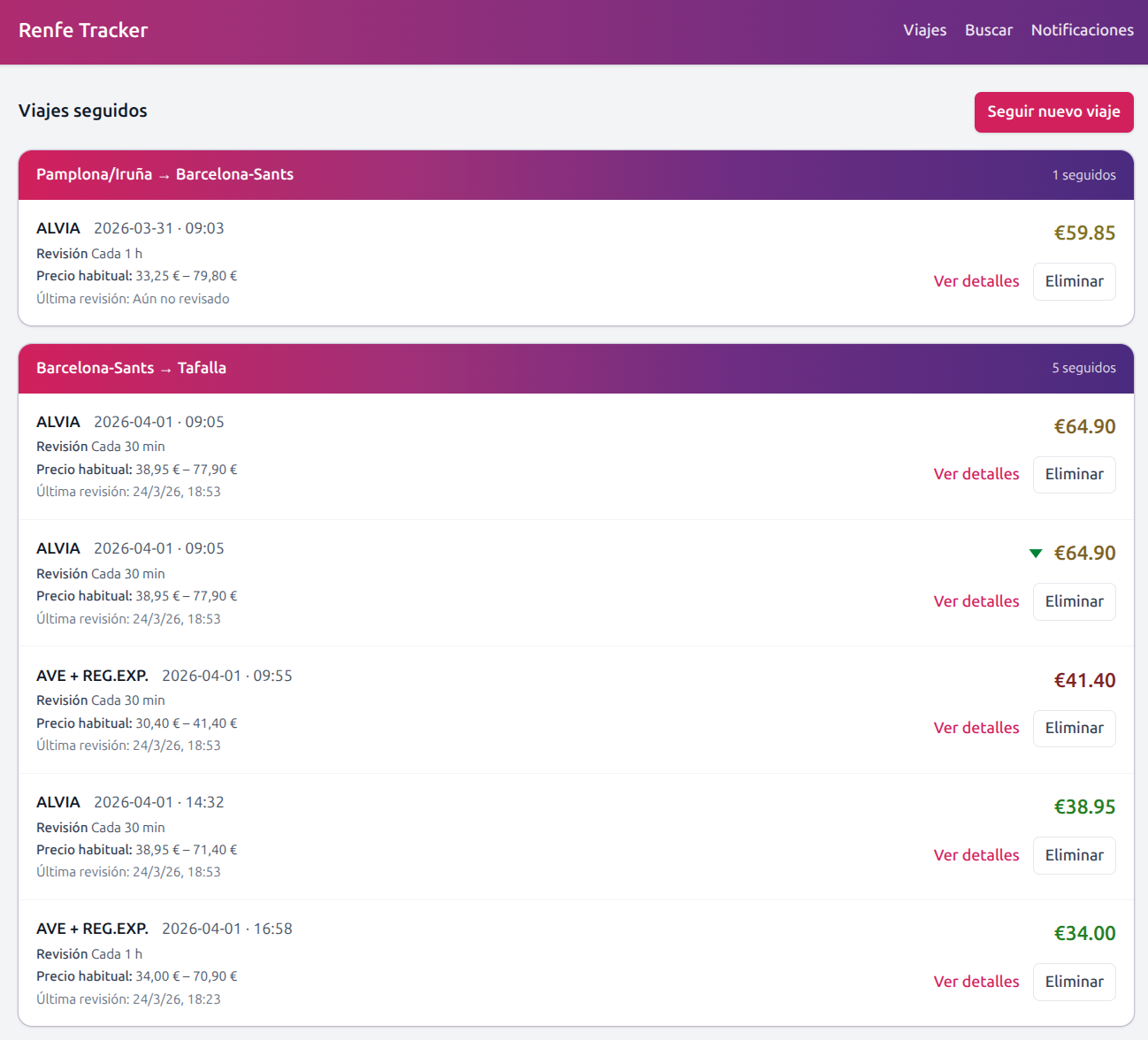
Track multiple trips
Follow multiple trips simultaneously and get notified when the price changes.
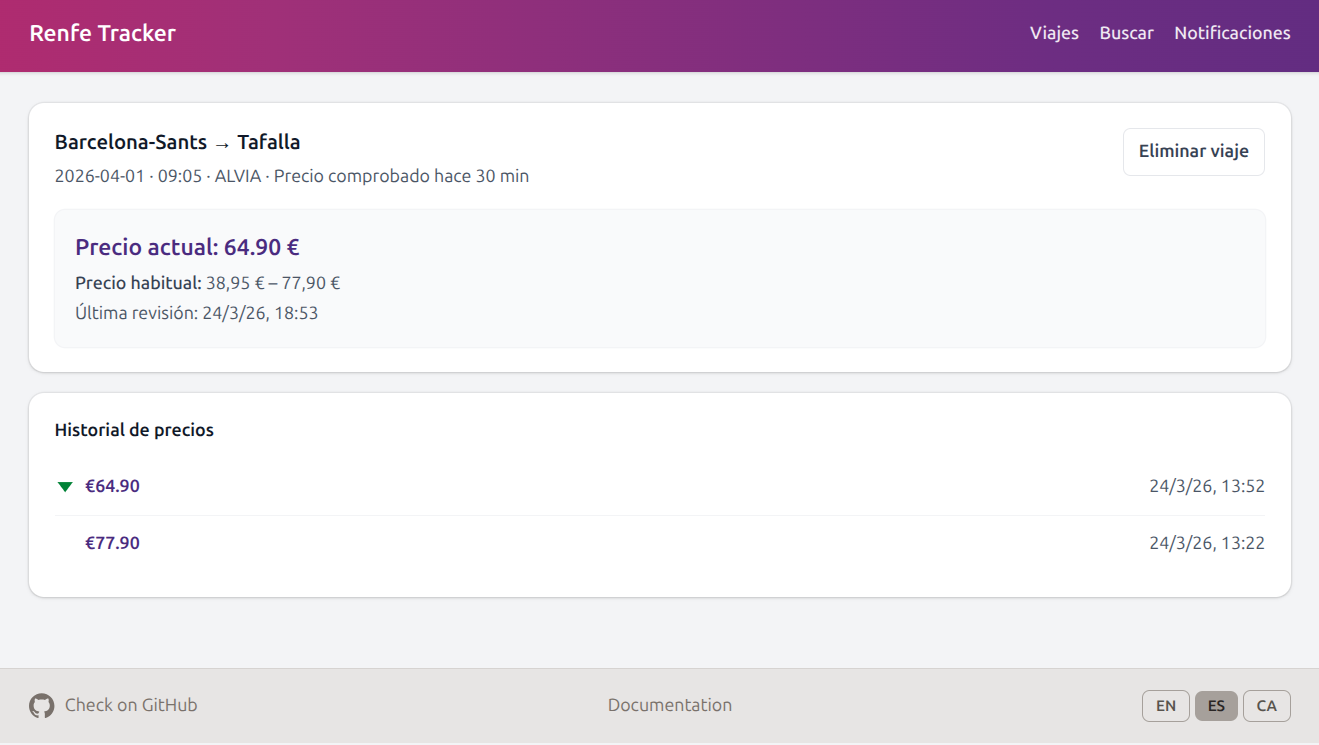
Historical price changes
See the full price change history for any tracked trip.